YOUR GUIDE TO BETTER RETAIL LABELING
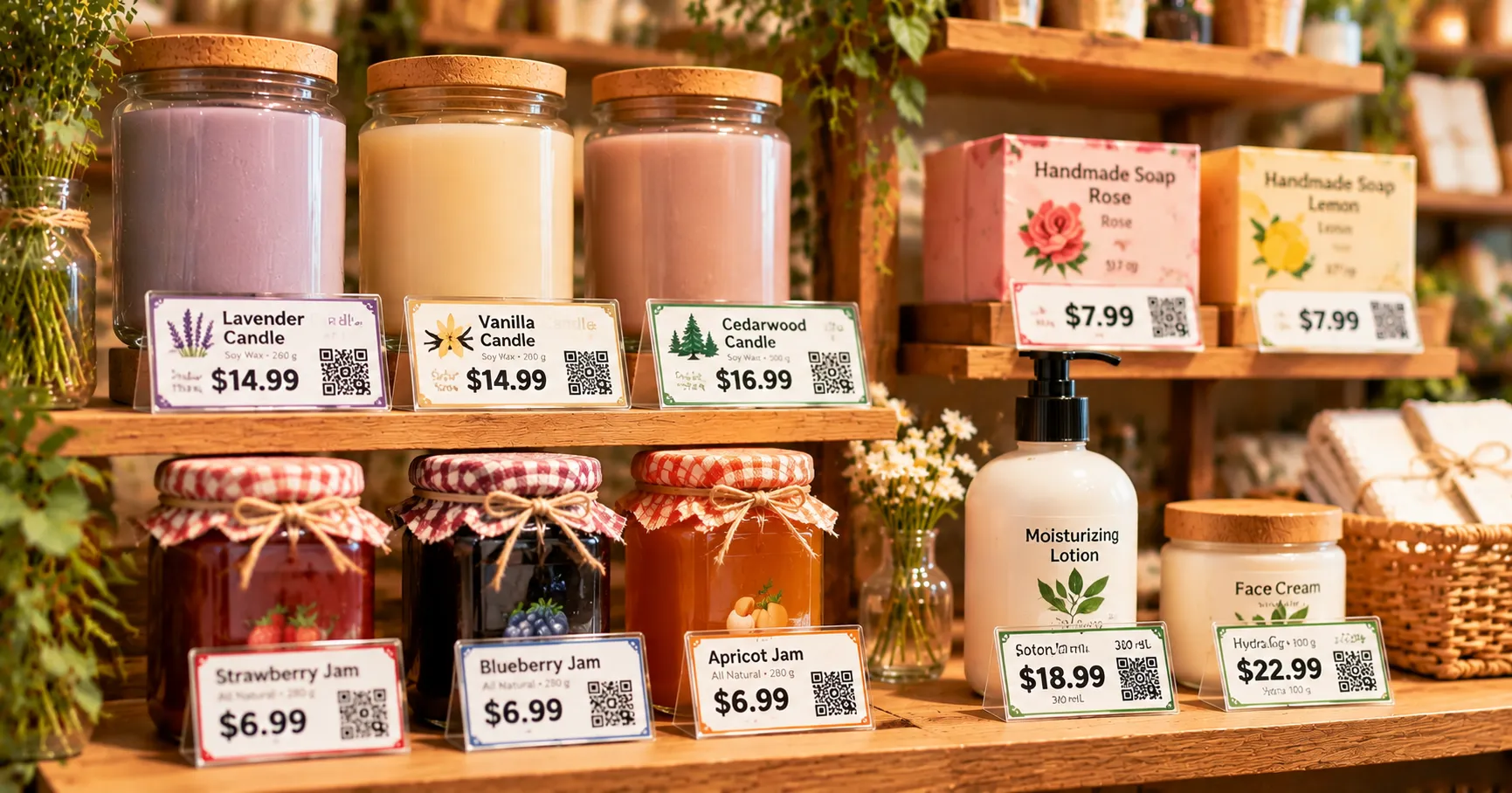
A good price label does more than display a number. It helps customers shop confidently, makes your products look more professional, and keeps your shelves organized. Whether you run a boutique, a grocery store, an online shop, or a small handmade business, the right Price Labels can make everyday retail tasks much easier.
In this guide, we'll explore how to choose label sizes and materials, create attractive designs, organize your printing workflow, and find a NIIMBOT printer that fits your business needs.
 |
1. Why Well-Designed Price Labels Matter for Your Business
Good price labels do more than tell customers how much something costs. They make products easier to shop for, help your store look organized, and give customers confidence when making purchasing decisions. Let's explore why thoughtful label design can make a real difference to your business.
Easy to Read
Make prices visible at a glance with clear fonts, good contrast, and thoughtful placement.
Professional Look
Create a coordinated appearance across shelves, products, and retail displays.
Faster Decisions
Help shoppers compare prices and product details without unnecessary questions.
1.1 Make Product Prices Easy to Find and Read
Imagine walking into a store where you have to search for the price of every item. It quickly becomes frustrating, right? Clear price labels solve this problem by putting important information exactly where customers expect to see it. Use readable fonts, sufficient contrast, and a logical layout so shoppers can understand prices at a glance. The easier it is to find pricing information, the smoother the shopping experience becomes.
1.2 Create a More Professional Store Appearance
Consistent price labels can make even a small retail shop look more polished. When products share a similar label style, font, and color scheme, your shelves feel organized rather than cluttered. You don't need expensive displays or complicated designs to achieve this effect. A simple, coordinated labeling system can help your business look more established and make your products feel thoughtfully presented.
1.3 Help Customers Make Faster Buying Decisions
Customers often compare several products before choosing one. Clearly displayed prices, product names, and relevant details make that process easier. For example, a grocery store might highlight the price per unit, while a clothing shop may show the price alongside the size or color. When shoppers can quickly compare their options, they spend less time asking questions and more time deciding what they want to buy.
A little design tip
Think about your labels from a customer's perspective. If someone can identify the product and understand its price within a second or two, you're already on the right track.
2. Choose the Right Style, Size, and Material for Price Labels
Before designing your labels, think about where they will be used. A price tag for a clothing rack has different requirements from a small label on a glass jar or a shelf-edge price marker. The right combination of size, material, and style helps your labels look attractive while remaining practical for everyday use.
2.1 Match Your Label Style to Your Brand
Your price labels should feel like a natural extension of your brand. A boutique might prefer minimalist labels with elegant typography, while a colorful gift shop could use brighter colors and playful designs. Think about your store's personality, target customers, and overall presentation. You can experiment with different fonts, borders, and accent colors, but try to keep the overall style consistent across your products.
MINIMAL & ELEGANT
NEW COLLECTION
$24.99
Classic Cotton Shirt
Great for boutiques, clothing shops, and premium products.
BOLD & COLORFUL
SPECIAL OFFER
$9.99
Summer Gift Set
Suitable for gift shops, markets, and promotional displays.
2.2 Select a Suitable Label Size and Shape
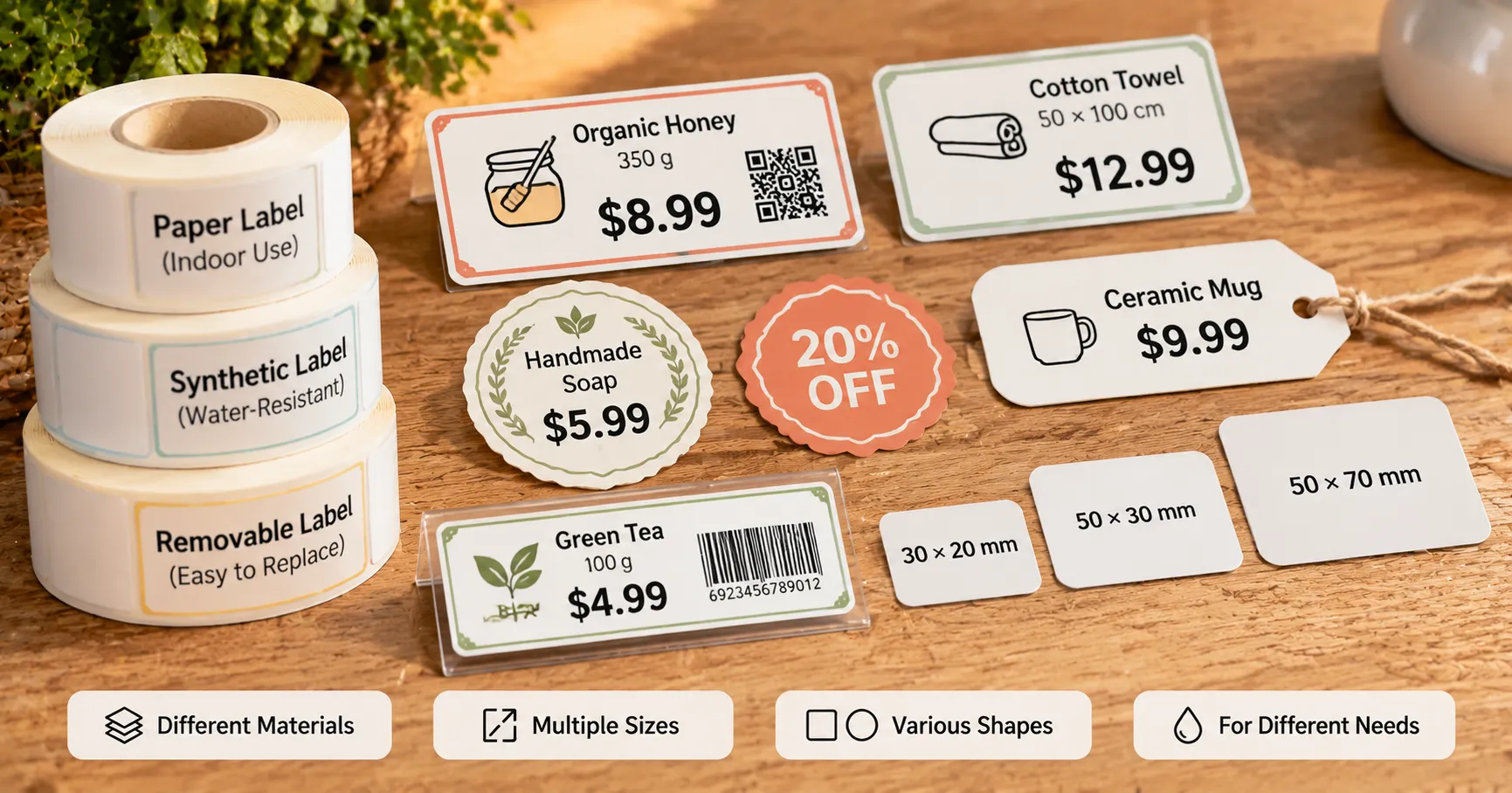
The best label size depends on the amount of information you need to display and the available space. Small products may only need a compact price label, while larger packages can accommodate product names, prices, and additional details. Rectangular labels work well for shelves and packaging, while round labels can add a decorative touch to jars or gift items. Always test the placement before printing a large batch.
2.3 Consider Label Materials and Adhesive Options
Not every label material works in every retail environment. Paper labels are often suitable for everyday indoor use, while synthetic materials may be a better choice when labels need greater resistance to moisture or handling. You should also consider the adhesive. Removable labels are useful for temporary promotions, while permanent adhesives may be more suitable for long-term product identification. Choose based on the actual conditions your labels will face.
Which Label Material Should You Choose?
| Material | Typical Use | Consideration |
|---|---|---|
| Paper | Indoor retail labels | Simple everyday use |
| Synthetic | Labels needing more durability | Check moisture resistance |
| Removable adhesive | Temporary promotions | Useful when labels need replacing |
Always check the compatibility of your label material with your printer.
3. Design Price Labels That Look Attractive
Once you have chosen the right label format, it's time to focus on the design itself. A beautiful label is not necessarily a complicated one. The best designs balance visual appeal with clear communication, making sure customers notice the price without feeling overwhelmed by too much information.
3.1 Choose Fonts and Colors That Improve Readability
Start with a font that customers can read quickly, especially when viewing labels from a short distance. Avoid using too many decorative fonts or squeezing text into a small space. Color also plays an important role. Strong contrast between the text and background helps prices stand out. For example, dark text on a light background is a dependable choice for everyday retail labels. Use accent colors sparingly to highlight special prices or promotions.
Simple Color Combinations for Price Labels
Navy & White
Beige & Brown
Sage & Cream
Terracotta & White
3.2 Make the Price the Most Important Element
The price should usually be the first thing customers notice. Give it enough space and make it visually distinct from secondary information such as product names, codes, or descriptions. You can use a larger font, bold weight, or a contrasting color to create emphasis. However, avoid making every element compete for attention. A clear visual hierarchy helps shoppers understand the label naturally, without having to stop and study it.
3.3 Add Useful Details Without Making Labels Cluttered
Depending on your business, price labels may include more than just a price. Product names, sizes, weights, product codes, discount information, and unit prices can all be useful. The key is to include only what customers actually need. Arrange information into clearly separated sections and leave enough empty space around each element. If a label starts to look crowded, consider using a larger format rather than shrinking the text.
What Should a Good Price Label Include?
PRODUCT NAME
Handmade Soap
$8.99
4 oz · Lavender
✓ Product name: Identify the item.
✓ Price: Make the cost easy to notice.
✓ Additional details: Add size, weight, or product information when useful.
✓ White space: Keep the layout comfortable to read.
4. Print, Organize, and Update Price Labels Efficiently
A great design is only part of the job. In a real store, prices change, new products arrive, and promotions come and go. Having a simple printing and updating routine saves time and helps prevent inconsistent labels from appearing across your shelves. Here are some practical ways to make the process easier.
4.1 Create Reusable Price Label Templates
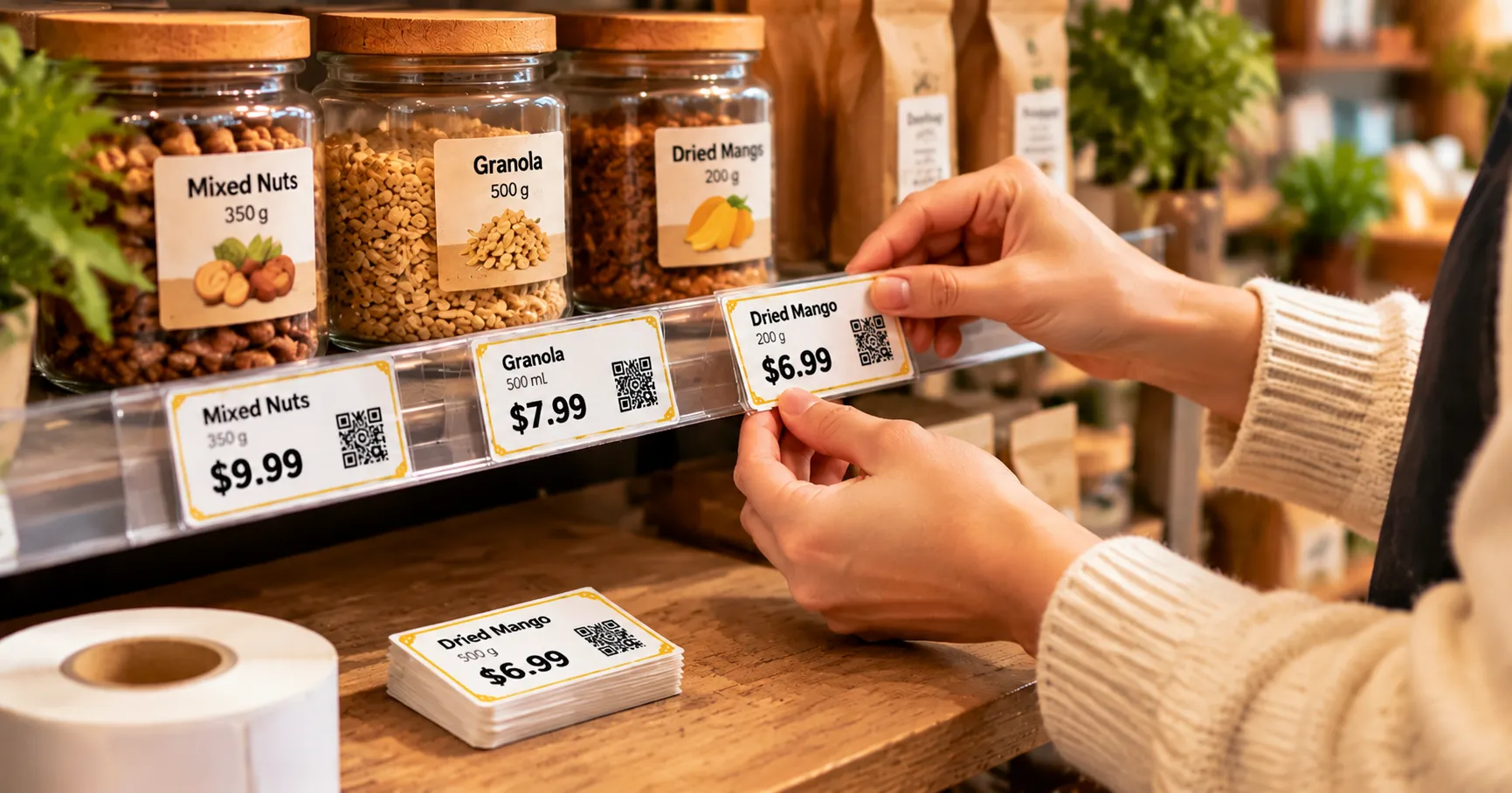
Instead of designing every label from scratch, create a few reusable templates for different product categories. You might have one layout for regular prices, another for promotional offers, and a third for shelf labels. Keep the font, spacing, and overall structure consistent so new labels can be created quickly. Templates also make it easier for different employees to produce labels that follow the same store style.
Three Useful Templates to Prepare
TEMPLATE 01
Regular Price
For everyday product pricing and shelf displays.
TEMPLATE 02
Special Offer
For sales, discounts, and seasonal promotions.
TEMPLATE 03
Shelf Label
For organizing product information along shelves.
4.2 Check Print Quality Before Applying Labels
Before printing a large quantity, test a few labels first. Check whether the text is sharp, the price is easy to read, and the label dimensions fit the intended location. Pay attention to alignment and margins, especially when printing smaller formats. It's also worth checking whether the selected label material is compatible with your printing method. A quick test can save you from wasting an entire roll of labels.
4.3 Make Price Updates and Seasonal Promotions Easier
Retail prices are not always permanent. Sales events, seasonal products, and inventory changes may require frequent updates. Keep your templates and product information organized so you can replace outdated labels without starting over. For promotions, use a recognizable visual style, such as a colored border or a highlighted discount price. A consistent update process helps your shelves stay accurate and makes promotional pricing easier for customers to understand.
Your Simple Price Label Workflow
Design your template
Print a test label
Check the result
Print and apply
5. Choose the Right NIIMBOT Label Printer for Your Business
Choosing the right printer depends on the kinds of products you sell, the labels you need, and how often you print them. Whether you're running a small boutique, managing an online store, or organizing products on retail shelves, NIIMBOT offers different options to explore. Let's take a closer look at three models and the types of labeling tasks they suit.
NIIMBOT B1
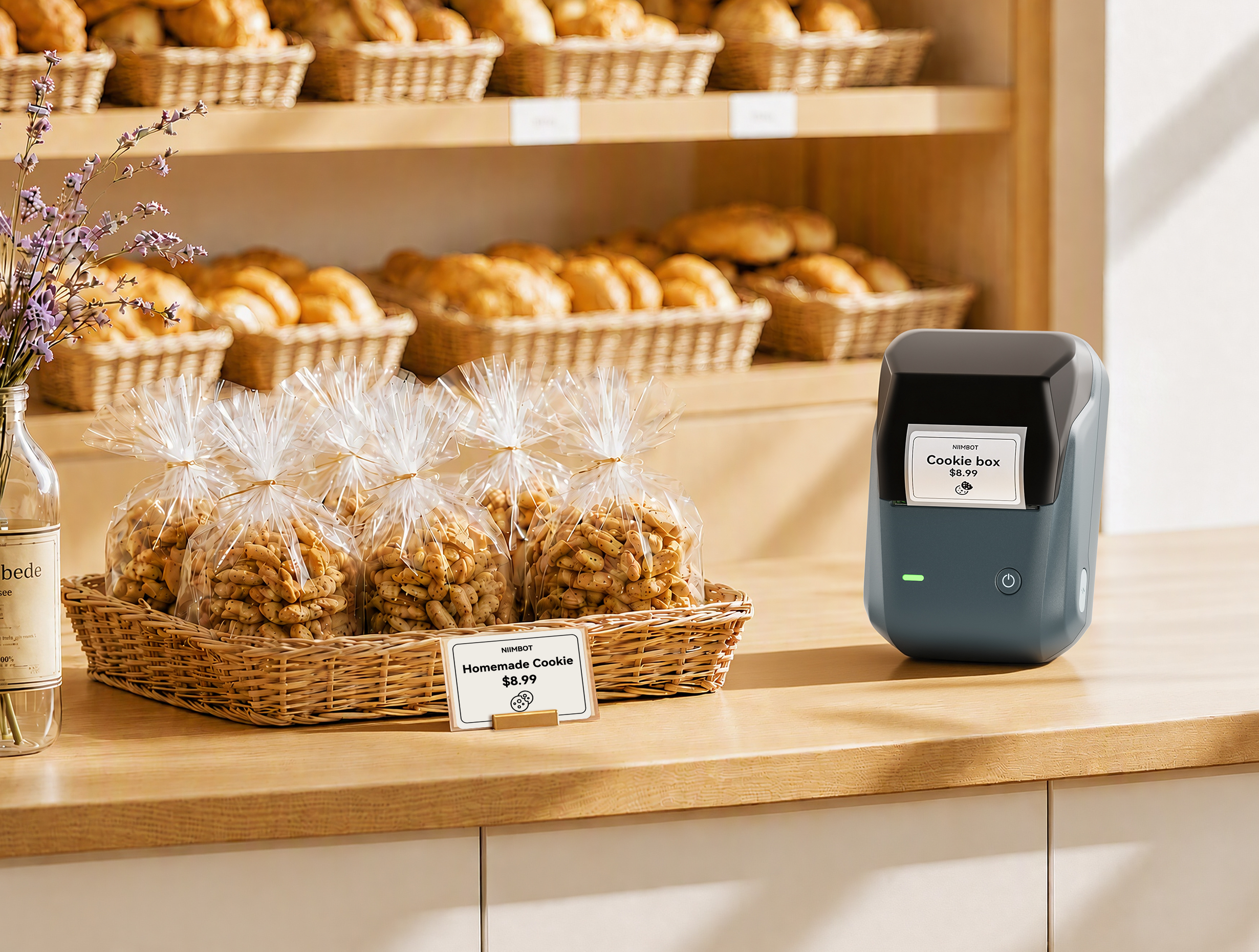
If you run a small retail shop or sell handmade products, the NIIMBOT B1 is a practical option to consider. This 2-inch inkless thermal label printer is designed for everyday labeling needs across small businesses, food, office, and clothing applications.
Compatible label size options include 50 × 30 mm, 50 × 50 mm, and 50 × 70 mm. Use it to create clear product labels, organize merchandise, and display consistent pricing information without setting up a complicated printing station.
Suitable for: Small retail shops, handmade products, food and clothing labels, and everyday product identification.
NIIMBOT B4
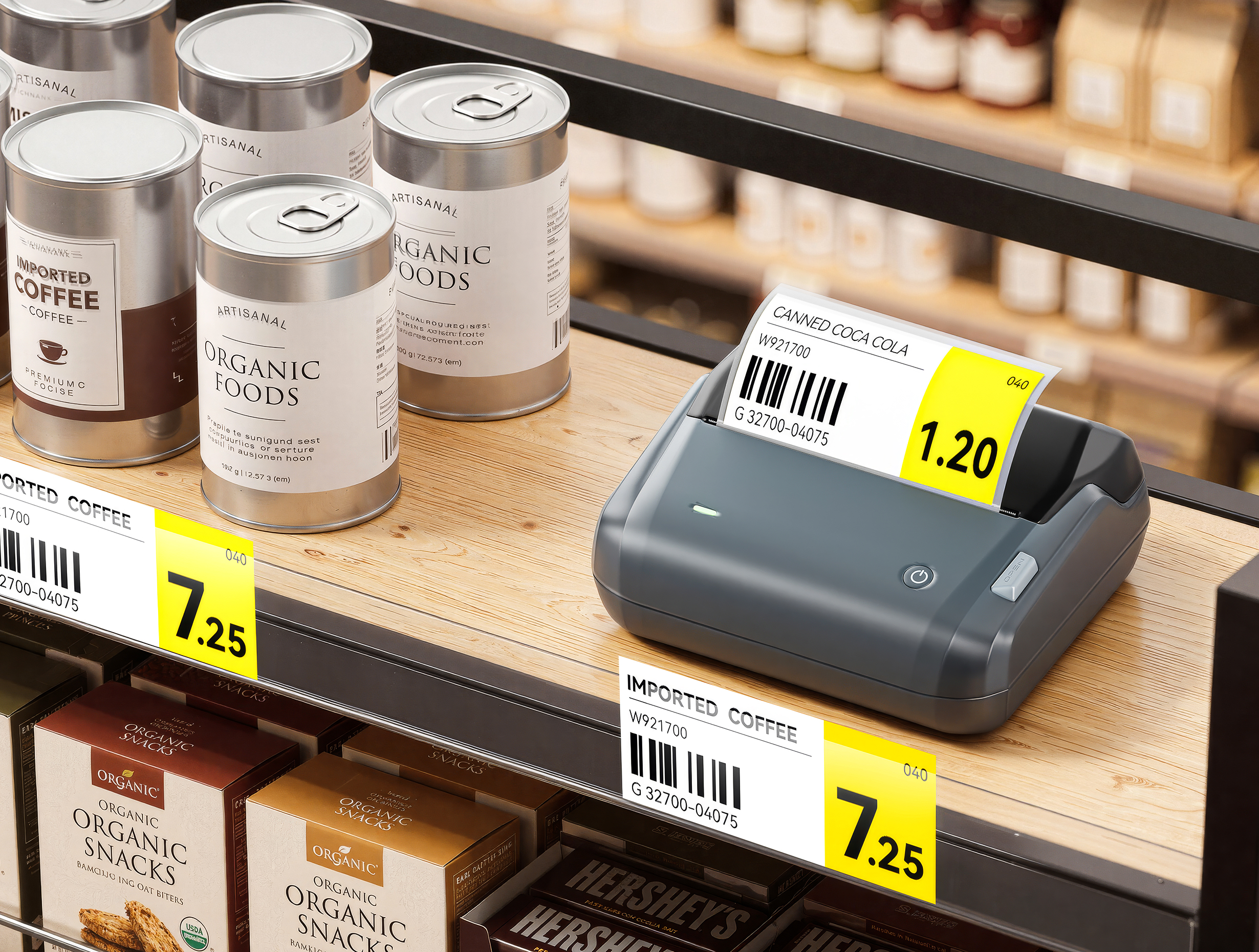
When your business needs larger labels or handles frequent order fulfillment, the NIIMBOT B4 offers another level of flexibility. This 4-inch inkless thermal label printer supports 4 × 6-inch shipping labels, batch printing, and connections with computers and mobile devices.
It can handle different label widths and applications, including shipping labels, package identification, warning labels, and warehouse location labels. For online sellers and businesses managing product information and shipping workflows, the B4 can help streamline everyday labeling tasks.
Suitable for: Online stores, shipping operations, packaging, warehouse management, and larger-format labels.
NIIMBOT D110
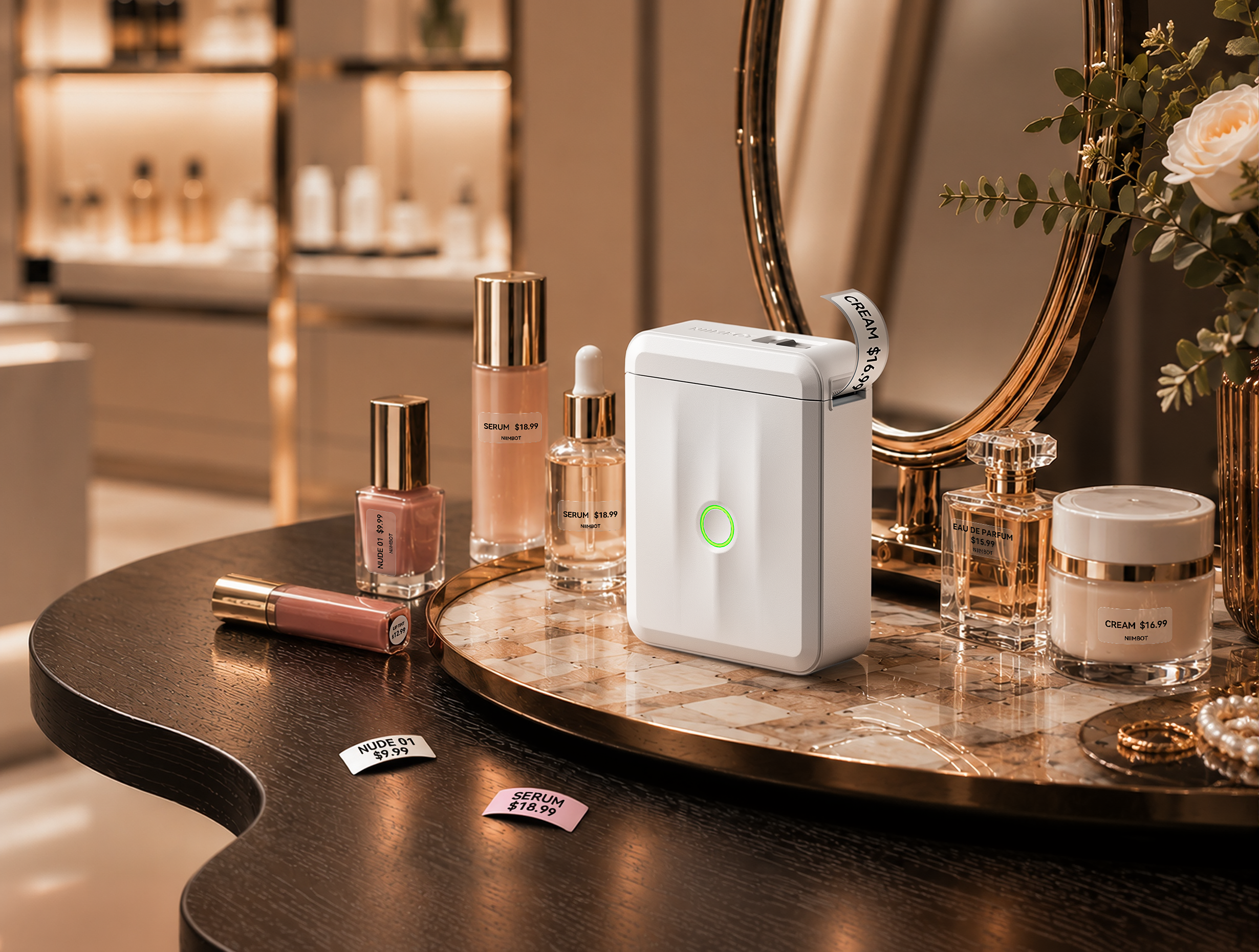
Not every business needs a large label printer. If you run a small shop, sell jewelry, or need compact price labels for individual products, the NIIMBOT D110 is worth a look. Weighing approximately 149 g, this mini Bluetooth thermal label printer connects to iOS and Android devices and supports label tape widths from 8 to 15 mm.
Through the NIIMBOT app, you can customize labels with text, symbols, borders, barcodes, and QR codes. Its compact size makes it convenient for small price tags, jewelry labels, product identification, and other everyday labeling tasks.
Suitable for: Small shops, jewelry, compact price tags, home organization, and portable labeling.
Which NIIMBOT Printer Fits Your Business?
| Model | Main Format | Typical Application |
|---|---|---|
| B1 | 2-inch labels | Small business product labels |
| B4 | 4-inch labels | Shipping and warehouse labels |
| D110 | 8–15 mm label tape | Compact price and jewelry labels |
MAKE LABELING EASIER
Find Your Ideal Label Printer
From everyday product price tags to larger shipping labels, explore convenient labeling solutions for your business and make your daily workflow a little simpler.
Explore NIIMBOT Products →Frequently Asked Questions
1. Should I display tax-inclusive or tax-exclusive prices on my retail labels?
This depends on the pricing and consumer disclosure rules in your location. Some markets require the displayed retail price to include applicable taxes, while others allow taxes to be added at checkout. Check your local regulations and make sure the price shown on your labels is consistent with what customers are expected to pay.
2. How often should I review the price labels in my store?
A quick review whenever prices or product details change is a good habit. You can also schedule a regular shelf check, such as once a week, to identify outdated labels, damaged tags, or pricing inconsistencies. This helps keep your displays accurate and reduces confusion at checkout.
3. Can I include a barcode or QR code on a price label?
Yes, if the label has enough space and your printing setup supports the required code format. Barcodes can help identify products and support checkout or inventory workflows, while QR codes can direct customers to product details or other online information. Make sure the printed code is large and clear enough to scan reliably.
A Small Label Can Make a Big Difference
Thoughtful price label design helps your business look organized, communicate clearly, and create a better shopping experience. Start with a simple design, choose materials that suit your products, and find a printer that fits the way you work.